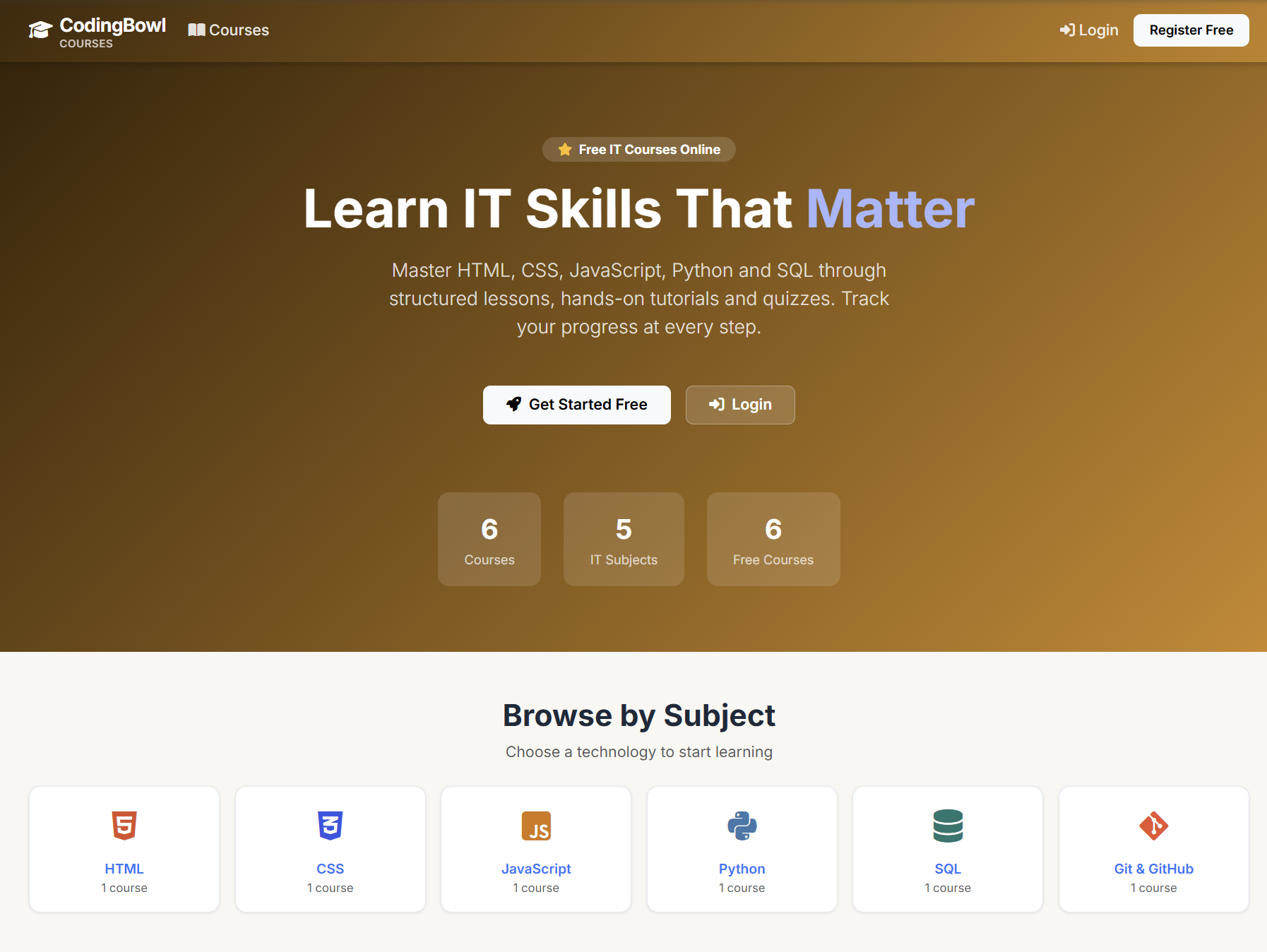
School life gets messy when lessons, grades, and quizzes are scattered across different websites. We built the Courses Portal to keep everything in one simple place with clear roles for everyone.
Who Is It For?
The portal changes what you see based on how you log in:
- Students: Can log in to view their lessons, watch tutorials, and take multiple-choice (MCQ) quizzes to test what they learned.
- Teachers: Can see who is in their course, check quiz scores, and leave helpful feedback notes for students. They also help by signing individual students up for courses.
- Admins: Run the whole site. They upload the lessons and create the courses. Courses can be free, public (open to everyone), or private (hidden).
Private Courses & Groups
To make managing hidden content easy, we built a group feature just for admins. Instead of adding students one by one, the admin creates a Student Group (like "Class A") and assigns the private course to that group. Only students inside that group can see the course on their dashboard.
How We Built It
We used Django for both the frontend and backend. Django has a great built-in login system that keeps student information safe. It also made it very easy to set up permissions so only admins can create groups and hide private courses from regular users.
What's Next?
The portal already makes learning simple, but we want to make it even better. Next, we plan to add automatic email notifications so students get an alert the moment an admin adds them to a private group or a teacher leaves them feedback.
Comments